
AI & MCP
Connect your workflows and AI agents to 12Port.
Connect service workflows, automation and AI agents to the same REST API that powers the 12Port web interface. Manage assets, access requests, tasks, permissions and audit data through documented OpenAPI operations.
Use scoped API tokens and the associated user account permissions to control what each integration can do.
Live demo: an AI agent uses the 12Port MCP Server to get just-in-time database access. 2:55.
How it works
The full REST API for your workflows.
Build workflows that find and update assets, submit access requests, execute configured tasks and retrieve session or audit records. API access requires a valid token and the permissions needed for the operation.
Use REST for broader platform automation. Use the MCP Server for resource discovery, credential requests and request completion. Apply the permissions and approval workflows appropriate to each integration.
Automation and AI capabilities
Build, govern and review automated workflows.
REST API for workflows and agents
Use the full REST API to manage assets, create access requests, execute configured tasks and retrieve audit data. OpenAPI documentation describes the operations, inputs and responses.
Ask AI
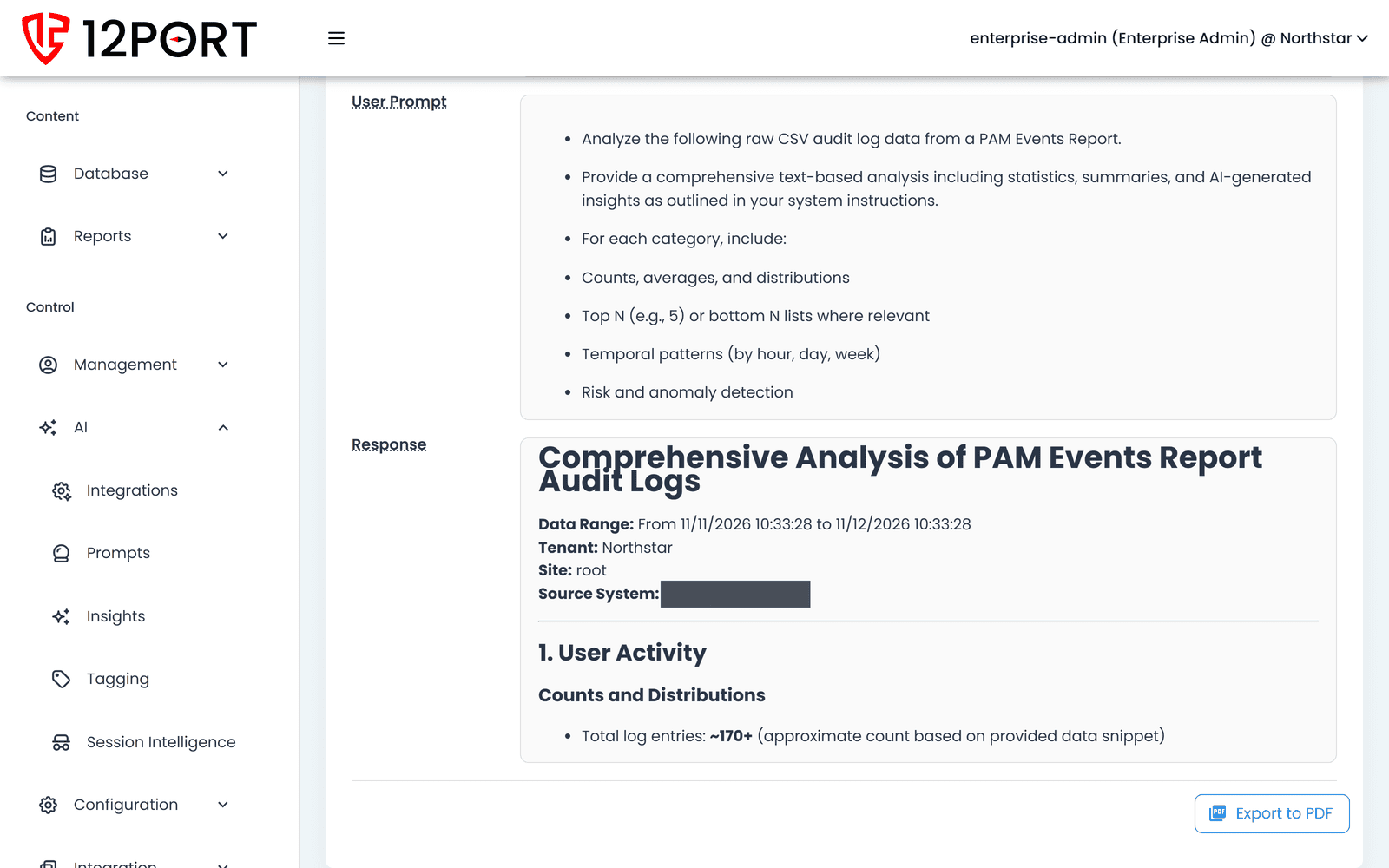
Submit selected event or report data to a configured AI provider for summaries, anomaly analysis and custom prompts.
Session intelligence
Per-session risk scoring, anomaly detection, and behavioral baselines. Surfaces high-risk sessions automatically; feeds incident response with full evidence.
Classification intelligence
Use configured tagging rules to organize assets. AI-powered report summaries can help reviewers interpret selected activity data.
Intelligent MFA
Adaptive MFA enforcement based on behavior, target sensitivity, and session signals. Sessions pause for re-verification mid-flight when policy or analytics demand it.
Custom integrations
Build integrations with your service desk or CRM through the REST API. Find assets, submit access requests, check their status and retrieve audit data from the tools your team already uses.
Non-human identities
How 12Port treats AI agents and automation.
First-class identity.
Authenticate integrations with API tokens associated with named user accounts. Limit token scope to the appropriate tenant or space and grant the permissions the workflow needs.
See account managementChoose the right integration path.
Use the full REST API for platform operations and the MCP Server for focused credential-access workflows. Use the 12Port SSH, PowerShell and HTTPS proxies, including AWS CLI and Microsoft Graph, when the workflow requires brokered target sessions.
See PAMConfigured approval workflows.
Agents can create access requests, check their status and complete requests through the API. Approval requirements follow the configured workflow and the caller permissions.
See session intelligenceAuthorized credential retrieval.
The MCP service can return authorized credentials to an agent. Manage those credentials centrally, restrict access through permissions and configure rotation for supported account types.
See the secure vaultFull session evidence.
Supported brokered connections can generate session recordings and events according to their access method and configuration. Credential retrieval through MCP is a separate audited operation.
See session intelligenceNext step
See your own agents work through 12Port.
Install 12Port and connect a test agent through the REST API or MCP Server, or talk to an engineer about your automation and AI agent requirements.