REMOTE ACCESS
Zero-Trust Remote Privileged Access
Browser or native client. RDP, SSH, PowerShell, VNC, Telnet, HTTPS, Kubernetes. 12Port brokers every protocol through a secure vault with credential injection, full session recording, and audit trails.
Eliminate standing privilege for employees, vendors, and automated operations.
How it works
Two paths. Same controls.
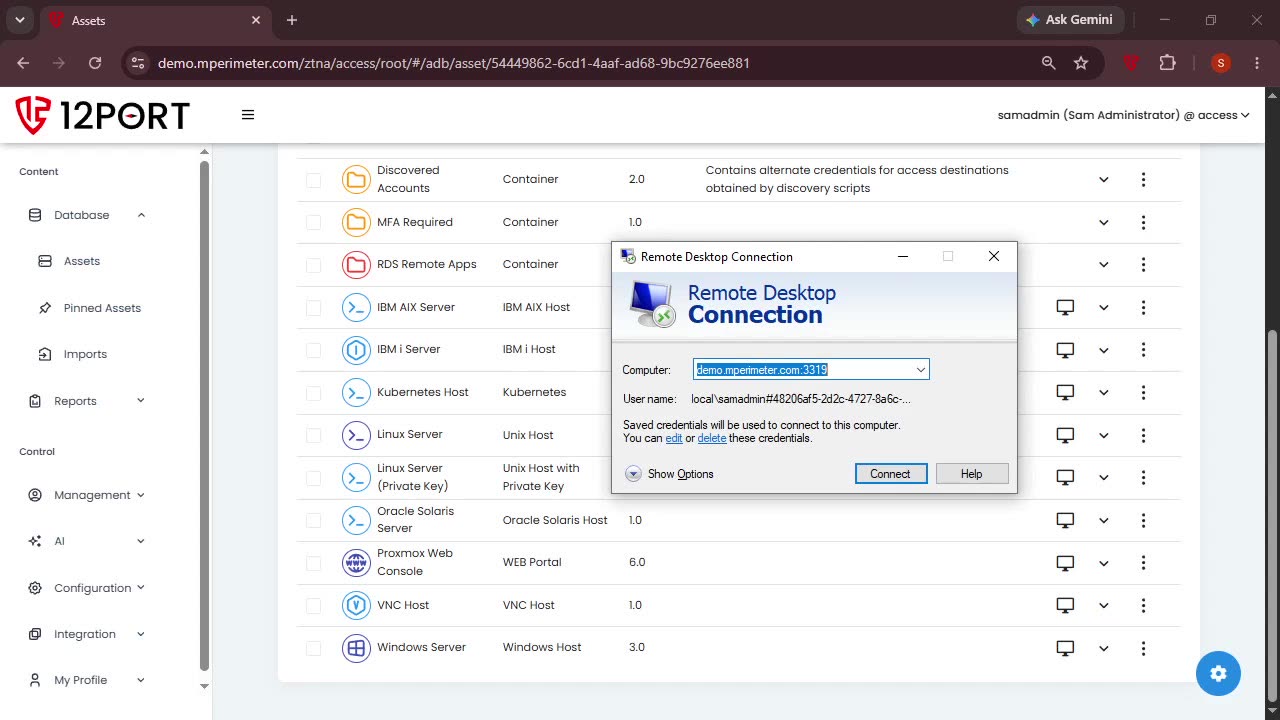
Some admins want a browser tab. Others want mstsc, PuTTY, MobaXterm, or PowerShell. 12Port runs both. Credential injection, MFA, recording, command filters, approval workflows, and session intelligence apply to every session, regardless of how it was launched.
Vendors, contractors, and remote operators get the same experience as internal staff. No VPN, no jump host, no standing privilege. Adaptive MFA enforces re-verification mid-session when a behavioral signal warrants it.
PICK YOUR PATH
Native client or web client.
In-session controls
Recording, policy, and verification, in flight.
Adaptive MFA mid-session
Optional MFA enforcement when policy or behavioral signals require re-verification. The session pauses until the user re-authenticates, then resumes.
Command and clipboard filter
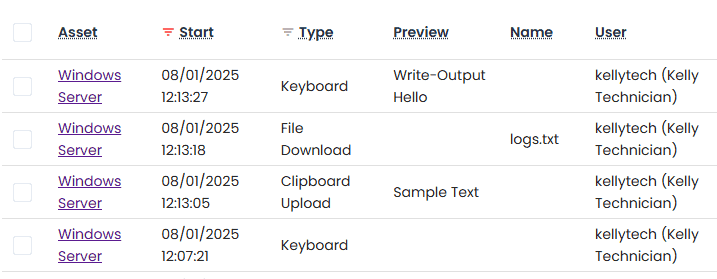
Block file transfers, redact clipboard contents, and filter privileged commands per session policy. The audit shows exactly what was attempted, even when blocked.
Approval workflows
High-sensitivity targets require approval before access. The approver gets context: who, what, why, when, from where. Decisions are recorded and tied to the session.
See it in action
Inside the 12Port platform.
Click any tile to zoom in. Use the arrow keys or on-screen controls to step through.